Streamline Your Image Workflow with Laravel Lens
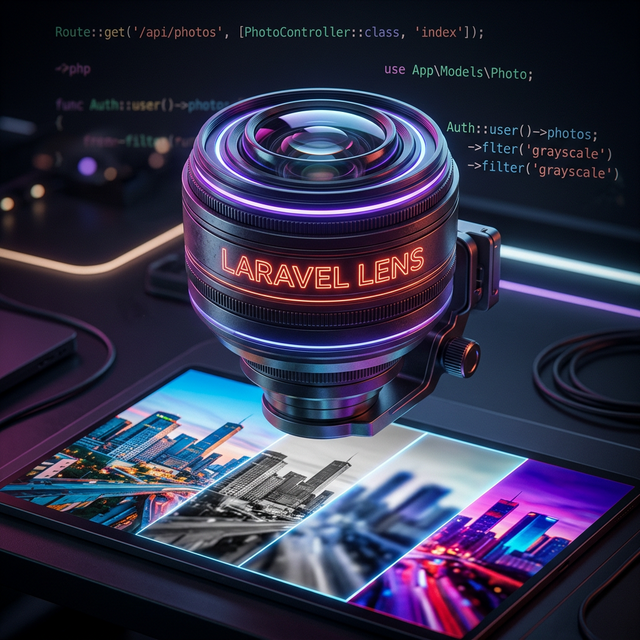
If you've ever built a media-heavy Laravel application, you know the struggle. Managing various image sizes, handling different formats like WebP, ensuring everything is cached properly, and keeping your Blade templates clean can quickly become a headache.
While the Laravel ecosystem provides several tools for image handling, they often require significant boilerplate or manual integration to handle complex pipelines and caching effectively.
That's why I'm excited to introduce Laravel Lens.
What is Laravel Lens?
Laravel Lens is a configuration-driven image manipulation and caching package for Laravel. It was heavily inspired by the popular LiipImagineBundle from the Symfony ecosystem.
The core philosophy is simple: Define once, use everywhere.
Instead of scattering image manipulation logic throughout your controllers or views, you define named "filter sets" in a central configuration file. Laravel Lens then handles the heavy lifting—lazy processing on the first request, automatic caching, and seamless integration with Laravel's filesystem abstraction.
Why You'll Love It
1. Configuration-Driven Magic
Everything starts in config/lens.php. You define exactly how you want your images to look for different use cases:
'filter_sets' => [
    'avatar' => [
        'quality' => 80,
        'filters' => [
            ['name' => 'auto_orient'],
            ['name' => 'thumbnail', 'options' => ['size' => [150, 150], 'mode' => 'outbound']],
        ],
    ],
    'hero_banner' => [
        'quality' => 90,
        'format' => 'webp',
        'filters' => [
            ['name' => 'resize', 'options' => ['size' => [1200, null]]],
            ['name' => 'blur', 'options' => ['amount' => 5]],
        ],
    ],
],
2. Lazy Processing & Caching
Images are only processed when they are actually requested. Once processed, they are stored in your cache (Local, S3, or any Laravel disk) and served directly from there in subsequent requests. This keeps your application fast and reduces server load.
3. Deep Laravel Integration
Laravel Lens feels like a native part of the framework. It comes with:
- Blade Directive:
<img src="@lens('photos/profile.jpg', 'avatar')" /> - Blade Component:
<x-lens-image path="photos/hero.jpg" filter="hero_banner" alt="Hero" /> - Artisan Commands: Warm up or clear your image cache with simple commands like
php artisan lens:cache:warmup.
4. Storage Flexibility
Whether your source images are on a local disk and you want to cache them on S3, or vice-versa, Laravel Lens doesn't care. It uses Laravel's Filesystem abstraction to work with any disk you've configured.
Getting Started
Installing Laravel Lens is as simple as:
composer require jcfrane/laravel-lens
Publish the config, define your filter sets, and you're ready to go!
Built to Grow
Laravel Lens comes with 14 built-in filters—from simple resizing and cropping to watermarking and greyscale. But it's also highly extensible. You can easily register your own custom filters to handle unique processing needs.
Lens::filterManager()->register('sepia', new SepiaFilter());
Wrap Up
Image management shouldn't be a chore. Laravel Lens brings order to the chaos by providing a robust, configuration-driven approach that's both powerful and easy to use.
Check it out on GitHub and let me know what you think!
👉 GitHub Repository 👉 Documentation
Member discussion